2–4′
Short enough to actually finish
Every lesson is 8–12 cards — a hook, a few ideas, several things to do, one win. It fits a car ride or the ten minutes before dinner, and it ends with a clear finish line instead of an endless feed.
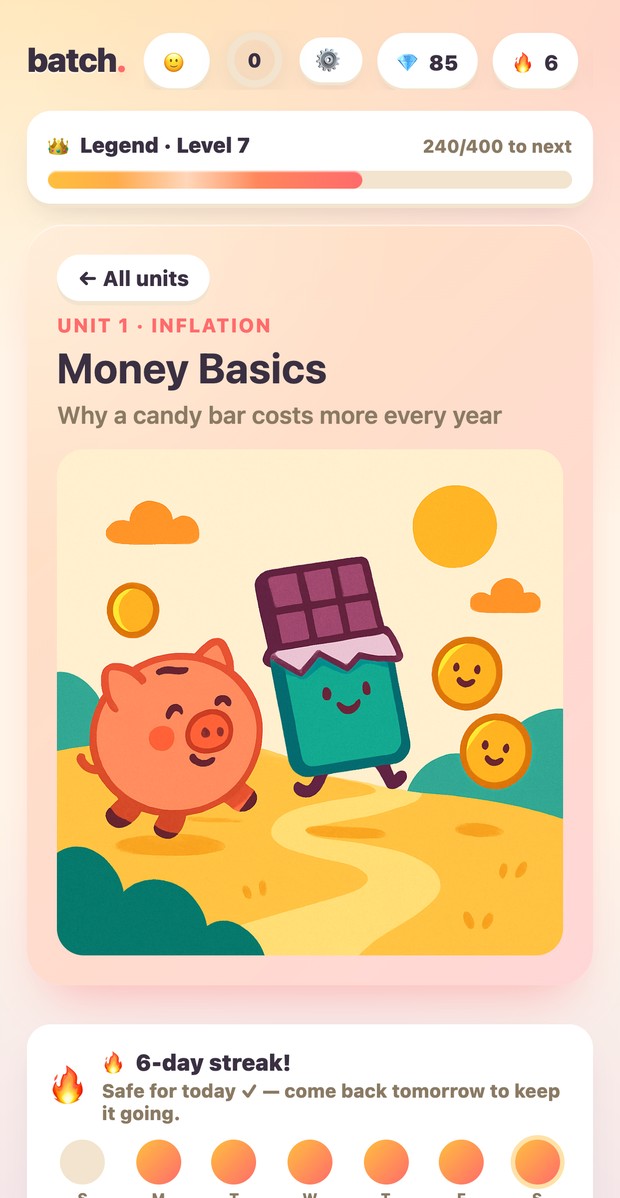
Batch is a learning app for kids 8–12 that feels like a game. Swipeable cards, two to four minutes a lesson, and something to tap or solve on nearly every screen. 16 tracks covering money, computers, data, and how the world works.
Nothing to download. No ads, no chat, no way for anyone to message your kid. Works offline once it's installed.
The idea
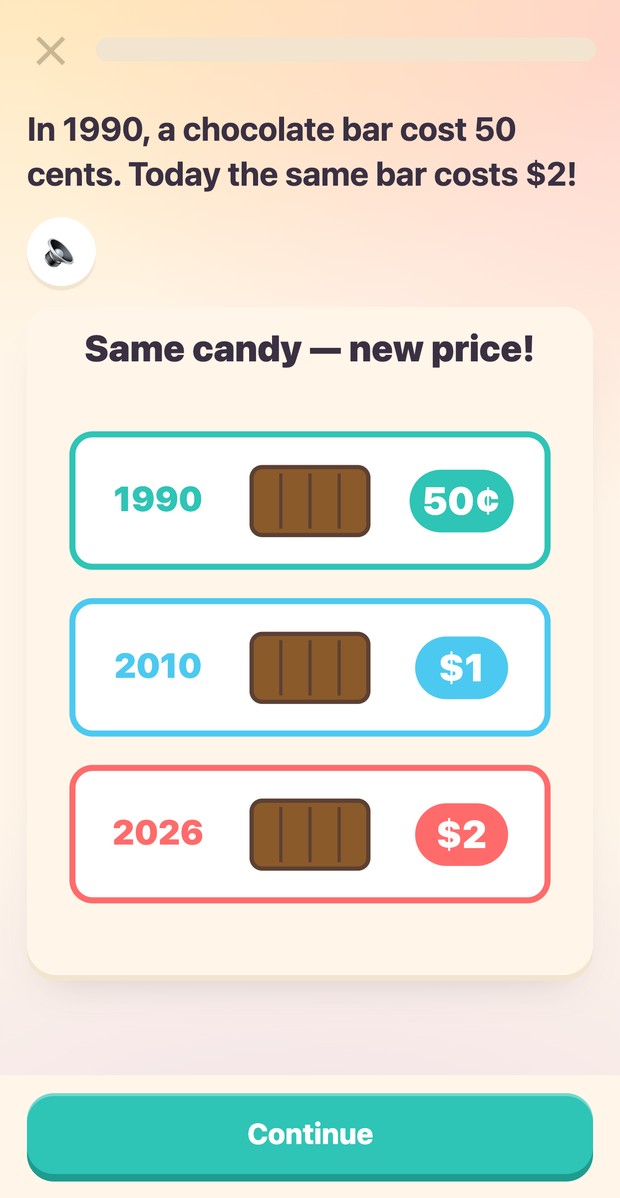
Most "educational" apps are a video with a quiz bolted on, and kids bail in ninety seconds. Batch is built the other way round: your kid is doing something every card or two, and each lesson is engineered to land exactly one idea.
Every lesson is 8–12 cards — a hook, a few ideas, several things to do, one win. It fits a car ride or the ten minutes before dinner, and it ends with a clear finish line instead of an endless feed.
Missed cards come back at the end of the lesson, then again a day and a week later. Spaced repetition does the real teaching quietly in the background — your kid just thinks they're playing.
XP, levels, streaks, badges and stickers — earned by finishing lessons, never by watching an ad or spending money. Bo the mascot cheers, and that's the whole monetisation strategy.
15 kinds of card
That rule is the whole mechanic. Tap, sort, drag, program a robot, beat a timer — 572 hand-drawn diagrams carry the concepts so there's very little to read.
The library
Money, computers and AI, data, thinking skills, health, and how the world works — plus 3 hands-on missions where kids build a real website. Everything is free, and new units land regularly.
Unit 1 · 5 lessons
Unit 1 · 5 lessons
Unit 2 · 5 lessons
Unit 3 · 5 lessons

Unit 1 · 5 lessons
Unit 2 · 5 lessons

Unit 3 · 5 lessons
Unit 4 · 5 lessons
Unit 5 · 5 lessons
Unit 1 · 5 lessons

Unit 1 · 5 lessons

Unit 2 · 5 lessons
Unit 3 · 5 lessons

Unit 4 · 5 lessons

Unit 1 · 5 lessons

Unit 2 · 5 lessons
Unit 1 · 5 lessons
Unit 2 · 5 lessons
Unit 3 · 5 lessons
Unit 1 · 5 lessons
Unit 2 · 5 lessons
Unit 3 · 5 lessons
Unit 4 · 5 lessons
Unit 5 · 5 lessons

Unit 6 · 5 lessons

Unit 1 · 5 lessons

Unit 2 · 5 lessons

Unit 3 · 5 lessons

Unit 4 · 5 lessons

Unit 5 · 5 lessons
Unit 1 · 5 lessons
Unit 1 · 5 lessons

Unit 2 · 5 lessons

Unit 3 · 5 lessons
Unit 4 · 5 lessons
Unit 5 · 5 lessons
Unit 6 · 5 lessons

Unit 7 · 5 lessons
Unit 8 · 5 lessons

Unit 9 · 5 lessons
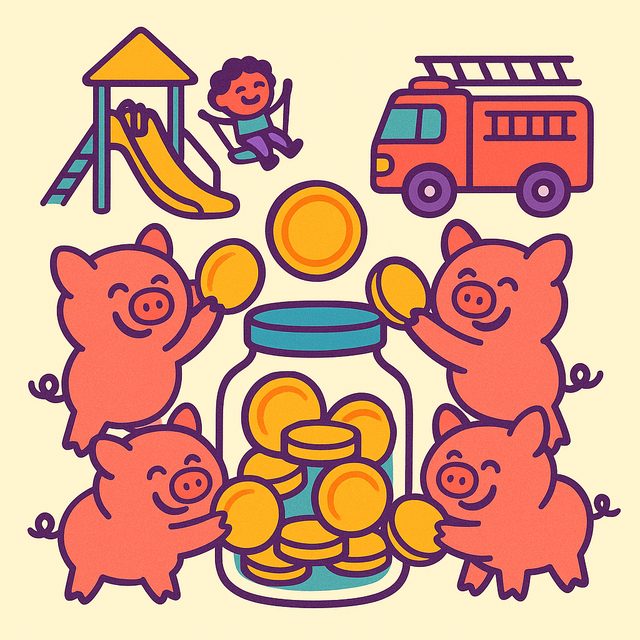
Unit 10 · 5 lessons
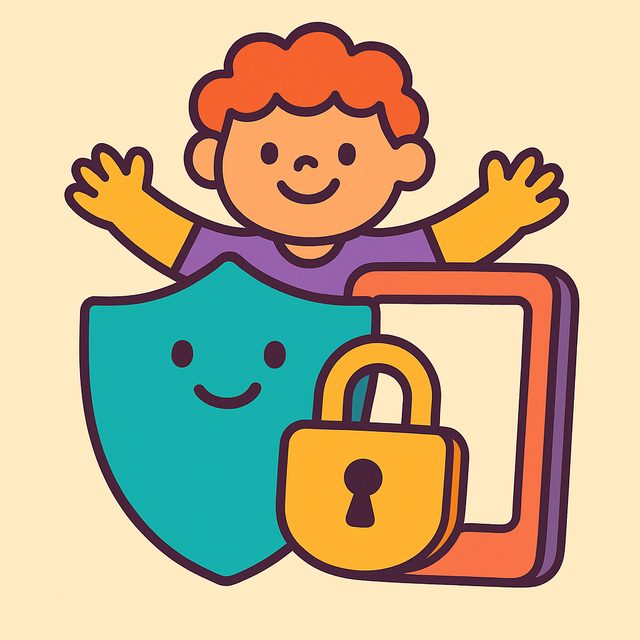
Unit 1 · 5 lessons
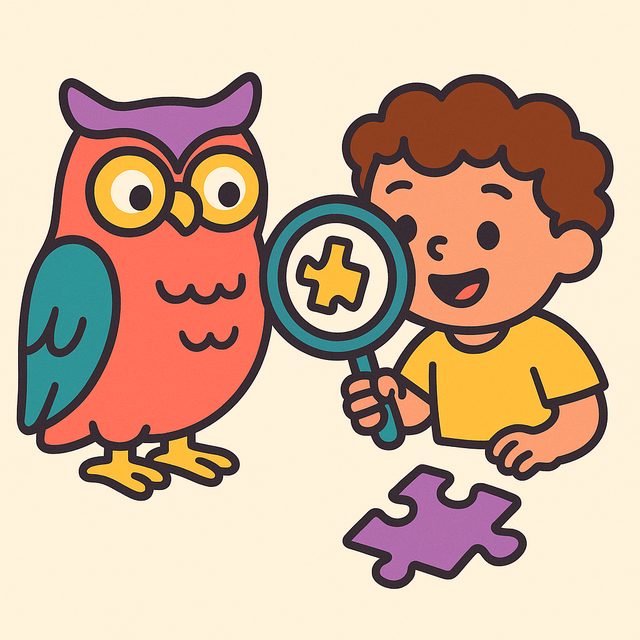
Unit 1 · 5 lessons
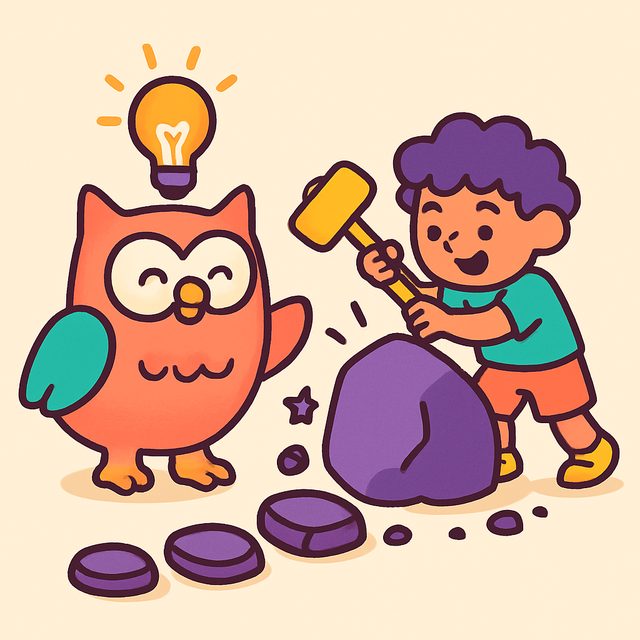
Unit 2 · 5 lessons

Unit 3 · 5 lessons

Unit 1 · 5 lessons

Unit 1 · 5 lessons
Unit 2 · 5 lessons

Unit 1 · 5 lessons
Put it on their device
It's a Progressive Web App — a website that installs like a real app. No App Store, no Play Store, no download, and no account needed to start. You get a home-screen icon, a full-screen app with no browser bars, and lessons that keep working with no signal.
You must use Safari — on iOS, Chrome and Firefox can't install web apps.
Use Chrome (Samsung Internet, Edge and Brave work the same way).
On a laptop or Chromebook? In Chrome or Edge, open Batch and click the small install icon (a monitor with a down-arrow) at the right-hand end of the address bar — or use the ⋮ menu → Cast, save and share → Install page as app. Safari on macOS: File → Add to Dock.
Parent questions
Yes. All 16 tracks, all 245 lessons, no ads, no trial timer, no credit card. There is nothing to buy.
Built for roughly ages 8–12. Reading level is deliberately kept around grade 3–4, and there's a read-aloud button on every card for kids who'd rather listen. Plenty of younger and older kids enjoy it too.
No. Kids can play everything with no account at all — progress saves on the device. An account (yours, not theirs) only matters if you want progress to follow them across devices or want them on the leaderboard.
No. There is no chat, no comments, no friend requests and no user-generated content of any kind. Kids never sign up themselves, and a leaderboard profile is just a username and an avatar — no real names, no emails, no photos.
Neither. No ads, no pop-ups, no "watch a video for gems", no purchases. The rewards in the app are earned by finishing lessons and nothing else.
Yes. Once installed, the whole app is cached on the device — lessons, diagrams and streaks all work in the car, on a plane, or on spotty hotel wifi.
It doesn't need to be. Batch is a Progressive Web App: it installs straight from the browser, updates instantly with no download, and takes a fraction of the space. Same home-screen icon, same full-screen experience.
Eight to twelve swipeable cards. A hook to open, a few short ideas carried by a hand-drawn diagram, four or more things to tap, sort, drag or solve, and a win screen. Anything they get wrong comes back before the lesson ends.
An independent developer — a dad in Canada who built it for his own kids and kept going. There's a grown-up version too, called reps.
Open one lesson together. Nothing to install, nothing to sign up for, nothing to pay.