How to teach kids to code, starting with a robot
Coding starts with one plain idea: a computer does exactly what the steps say, in the order they are written. A child can feel that idea before they type a single line.
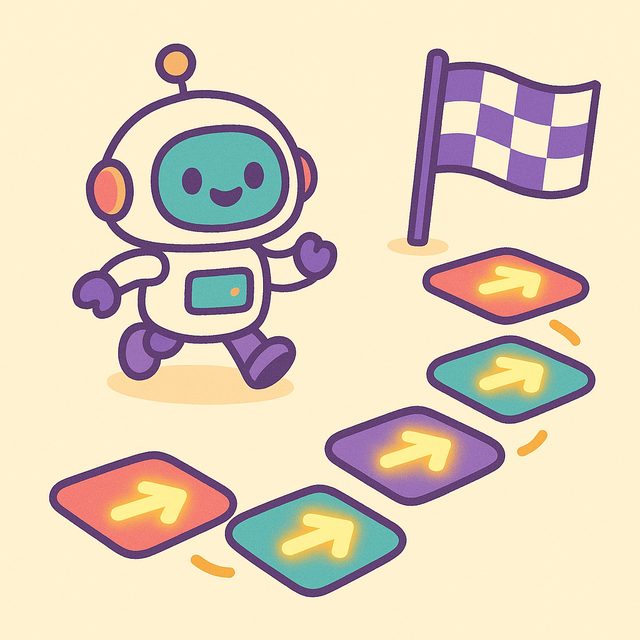
What the Batch unit “Code Your First Program” covers
Meet Chip the robot — program real missions! It is unit 1 of the Code Lab track and has 5 lessons and 51 cards:
- Programs = Steps in Order
- Loops: Repeat Yourself (Don't)
- Around the Rocks
- Bug Hunt
- Boss Level: Robot Rescue
What the first lesson says
This is the actual text from lesson 1, “Programs = Steps in Order”, word for word:
Meet Chip! 🤖 Chip only does exactly what you tell it — one step at a time, in order.
A program is a LIST of steps. Chip runs them top to bottom — no skipping, no guessing.
A question from that lesson to try together
Chip needs UP then RIGHT to reach the flag. What happens if you swap that order?
- Nothing changes at all
- Chip's program disappears
- Chip takes a different path
Answer: Chip takes a different path — Right! Swap the order and Chip takes a totally different path.
Try it at home
Write three or four simple steps on paper, such as walking to the door, and let your child follow them literally, then swap two steps and see what changes.
Play the lesson
Open Batch in the browser, choose Code Lab, then Code Your First Program, and start with “Programs = Steps in Order”. Whether an account is needed is answered in the FAQ.
Printables for the fridge
Two free PDFs for the Code Lab track. The checklist lists the lessons from 2 of the track's 2 units.
More guides: all Batch guides.